
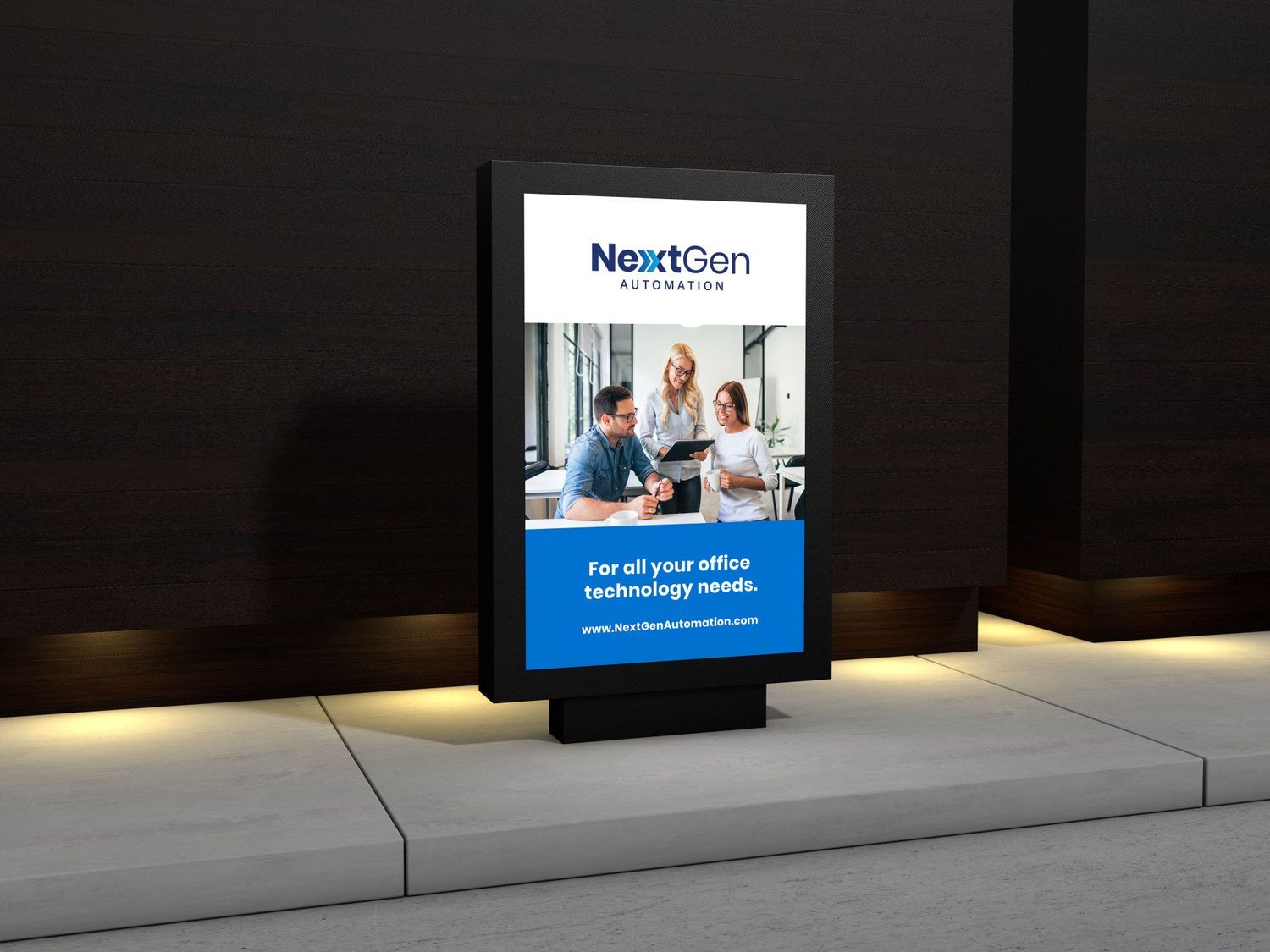
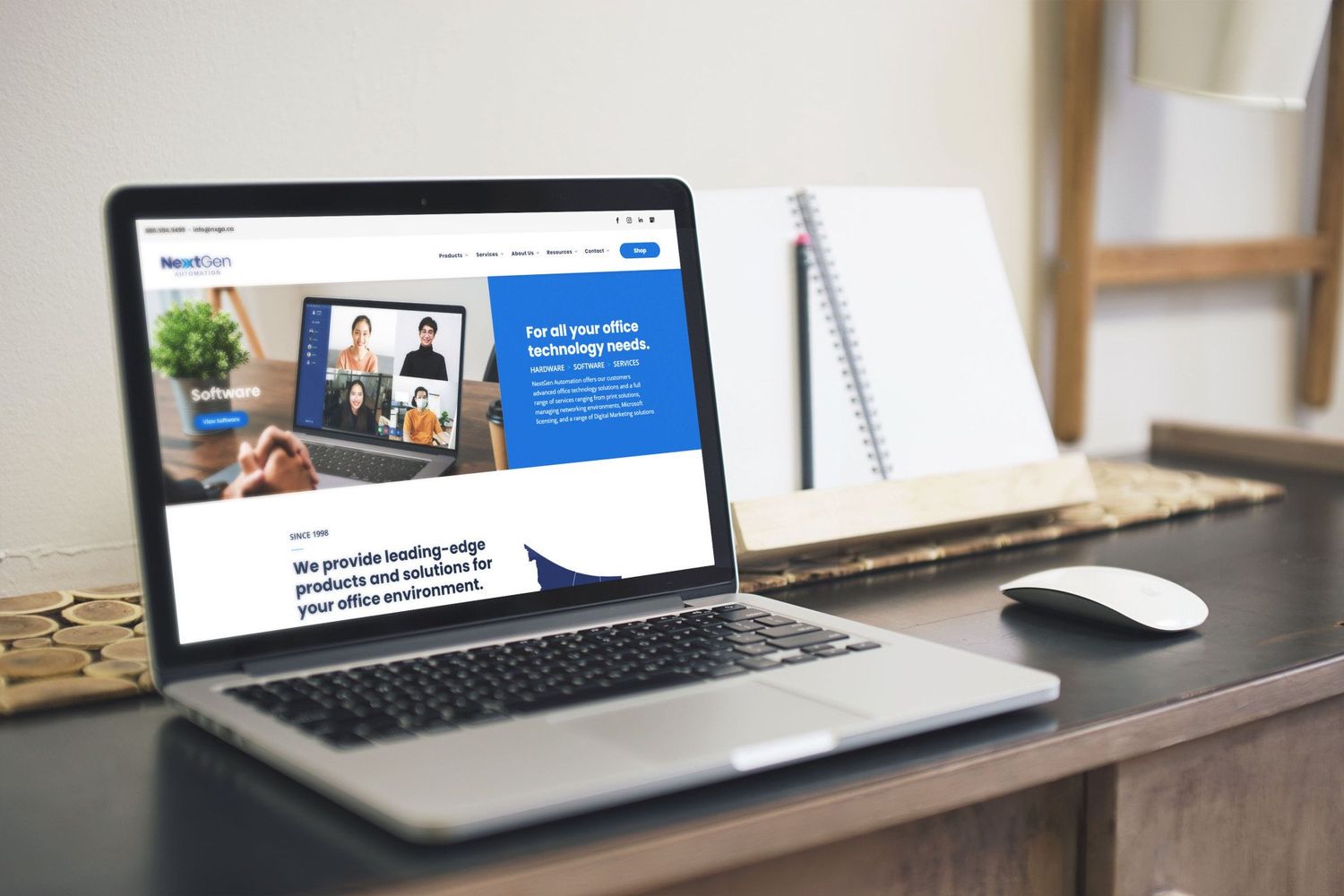
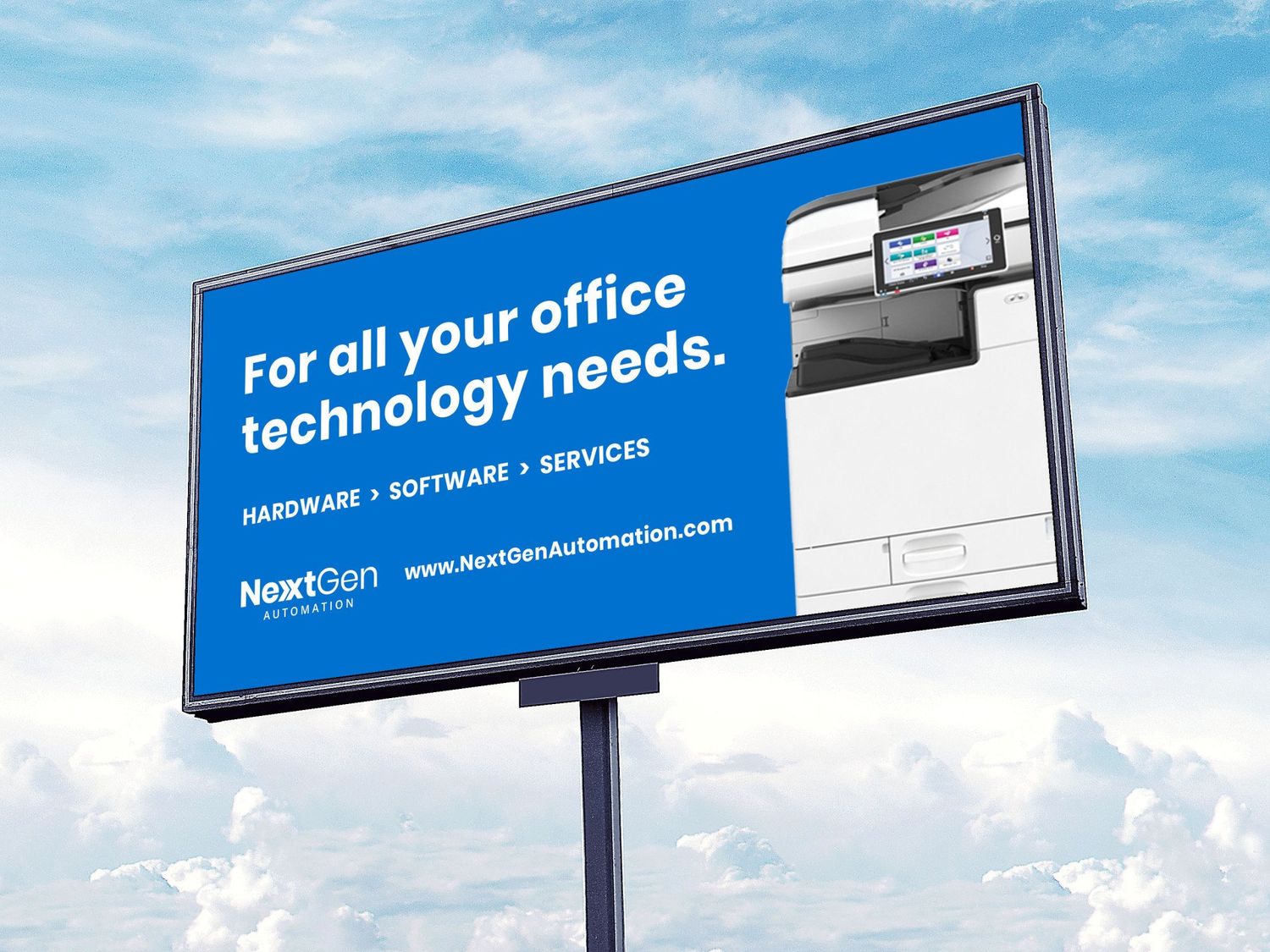
AGS Announces Exciting New Rebrand
INTRODUCING THE NEW FACE, NEW NAME AND NEW FUTURE OF AGS BUSINESS SYSTEMS


About AGS
AGS Business Systems specializes in simplifying the intricacies of workplace technology and is committed to making your business processes easier, faster, and more cost-effective. Through the services we provide, our customers benefit with efficient workflows, robust security and environmentally friendly print strategies.
Established in 1976, we have always strived to be in front of the constantly changing demands of the modern office environment. Through careful examination and research we ensure we find the right solutions for our customers by partnering with the best technology trendsetters in the industry.
We offer solutions and service to the major cities and surrounding towns on Vancouver Island including but not limited to Campbell River, Comox, Courtenay, Duncan, Nanaimo, Parksville, Port Alberni, Qualicum, and Victoria.
At AGS, you can count on an organization that keeps its promises by going above and beyond to ensure your satisfaction with the equipment and solutions we provide.

-
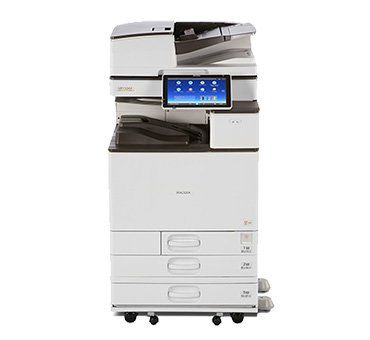
Multifunction Devices
Printers, Copiers, Fax Machines
-
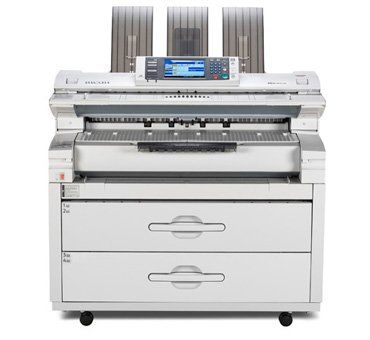
Plotters & Large Format
Wide Format
-
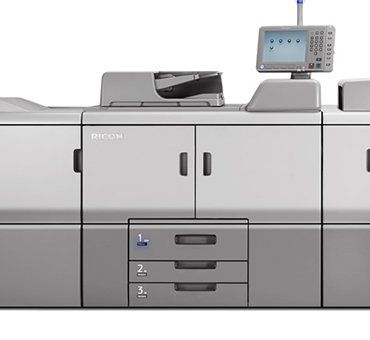
Digital Printing & Production Devices
65PPM - 135PPM
-
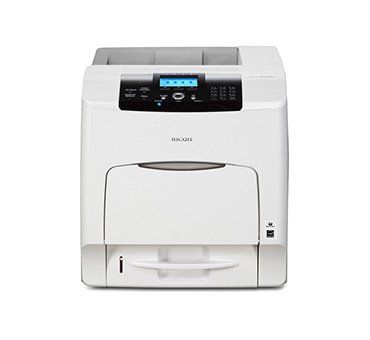
Printers
Single function network printers
-
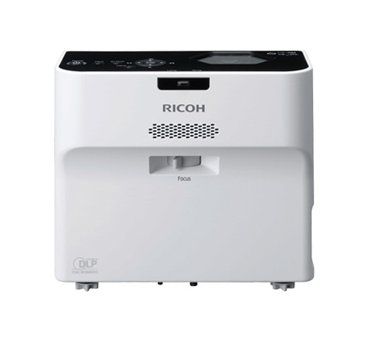
Projectors
Projection Systems, Short Throw
-

Interactive Whiteboard
For Business
-
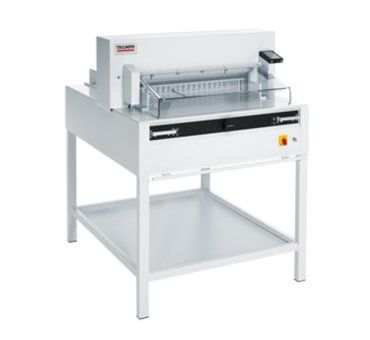
Finishing Solutions
Cutters, Shredders, Folders
-
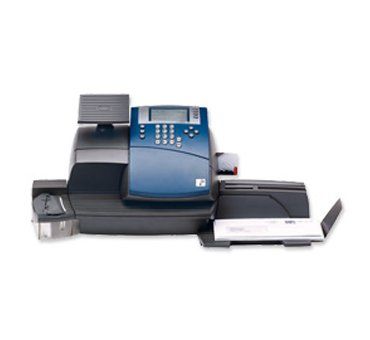
Mailing Machines
Postage meter, Self mailers, Inserters, Envelop openers

As the COVID-19 situation continues to develop, we want to assure you that we’re taking the necessary precautions to keep our clients and employees safe. In following with Health Canada’s recommendations, where able, our staff will be working from home to help with social distancing.
AGS will continue to deliver technical services and help our customers avoid any disruptions to their business; however, we will be suspending any non-essential site visits. Our technicians will attempt to troubleshoot support issues remotely. Should an issue necessitate on-site support, we will dispatch a technician.
Business travel has been largely eliminated, except for business-critical activities and customer service. Our service technicians are also taking additional precautions onsite and during service visits.
Our staff have been advised to preserve social distancing and to follow Health Canada’s hygiene protocols. Safety comes first and we will do our part to help mitigate the spread of COVID-19.
For service, please call 1- 866-248-4251 or email service@agscanada.com
- Digital Connection Group of Companies
AGS will continue to deliver technical services and help our customers avoid any disruptions to their business; however, we will be suspending any non-essential site visits. Our technicians will attempt to troubleshoot support issues remotely. Should an issue necessitate on-site support, we will dispatch a technician.
Business travel has been largely eliminated, except for business-critical activities and customer service. Our service technicians are also taking additional precautions onsite and during service visits.
Our staff have been advised to preserve social distancing and to follow Health Canada’s hygiene protocols. Safety comes first and we will do our part to help mitigate the spread of COVID-19.
For service, please call 1- 866-248-4251 or email service@agscanada.com
- Digital Connection Group of Companies

Social media and other newer marketing technologies get a lot of attention in the marketing world these days. We’re often told online marketing is the way to go, and the most important part of a modern marketing plan.
The fact is, not all businesses run just online.
Most of us still have storefronts or bricks-and-mortar locations where we actually interact with customers. And that means printed materials still have a tremendous impact on what our customers do.
Take, for example, a study by Canada Post that showed the probability a customer will come into your business increases by 37 per cent when they receive printed material targeted to them.
When I say “printed material,” I’m referring to just about anything printed on paper, so long as it’s appropriate to the customer you’re targeting.
“Appropriate” means describing the value your customers receive from doing business with you, not simply stating how wonderful you are.
Do you have printed material at your location so waiting customers can read about the value of the additional products/ services you provide?
If they’re making a big-ticket purchase, do you have customized brochures you can print on demand for them to take home with them?
If you’re a restaurant, does your takeaway menu have a coupon that gives your customer a special price on an item the next time they come in to eat?
Do you send paper invoices? Why not include a prominent marketing message?
Any time you have an opportunity to give somebody a piece of paper, whatever it is, that piece of paper should include some sort of marketing message.
It doesn’t have to be blatant. Sometimes a simple customer testimonial is all you need.
And remember, colour is more effective than black and white. It catches people’s eye and helps connect with their feelings and emotions. Research has shown that colour improves brand recognition by over 75 per cent, helps sell up to 80 per cent more and makes people more likely to pick up the piece.
Does having high-quality printed material mean you should scrap your social media marketing strategy? Definitely not. It just means you can still benefit, and even grow your customer base, by using well-planned printed materials.
It’s worth considering.
AGS Business Systems has been providing office technology to Vancouver Island customers since 1976.
Don Linder can be reached at (250) 756-5611 or don.linder@agscanada.com.
The fact is, not all businesses run just online.
Most of us still have storefronts or bricks-and-mortar locations where we actually interact with customers. And that means printed materials still have a tremendous impact on what our customers do.
Take, for example, a study by Canada Post that showed the probability a customer will come into your business increases by 37 per cent when they receive printed material targeted to them.
When I say “printed material,” I’m referring to just about anything printed on paper, so long as it’s appropriate to the customer you’re targeting.
“Appropriate” means describing the value your customers receive from doing business with you, not simply stating how wonderful you are.
Do you have printed material at your location so waiting customers can read about the value of the additional products/ services you provide?
If they’re making a big-ticket purchase, do you have customized brochures you can print on demand for them to take home with them?
If you’re a restaurant, does your takeaway menu have a coupon that gives your customer a special price on an item the next time they come in to eat?
Do you send paper invoices? Why not include a prominent marketing message?
Any time you have an opportunity to give somebody a piece of paper, whatever it is, that piece of paper should include some sort of marketing message.
It doesn’t have to be blatant. Sometimes a simple customer testimonial is all you need.
And remember, colour is more effective than black and white. It catches people’s eye and helps connect with their feelings and emotions. Research has shown that colour improves brand recognition by over 75 per cent, helps sell up to 80 per cent more and makes people more likely to pick up the piece.
Does having high-quality printed material mean you should scrap your social media marketing strategy? Definitely not. It just means you can still benefit, and even grow your customer base, by using well-planned printed materials.
It’s worth considering.
AGS Business Systems has been providing office technology to Vancouver Island customers since 1976.
Don Linder can be reached at (250) 756-5611 or don.linder@agscanada.com.